
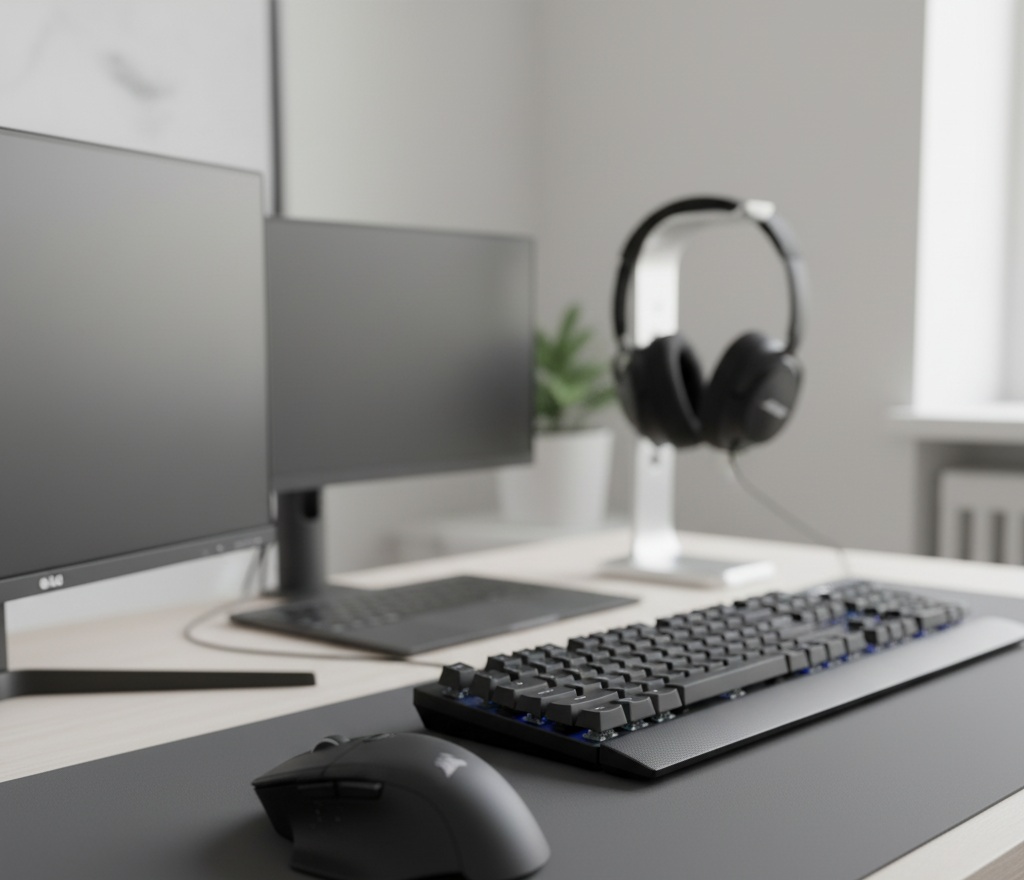
Work Smarter, Not Just Harder: 10 Productivity Gadgets That Actually Help You Focus
In today’s fast-paced world, true productivity isn’t about clocking more hours—it’s about working with more clarity and less friction. The right tools can turn a scattered workday into a deeply focused one. We’ve tested countless gadgets to bring you this curated list of 10 that genuinely reduce distractions, streamline your workflow, and help you do your best work. These aren’t just cool gadgets; they’re real upgrades to how you work every day.
The 10 Best Productivity Gadgets 2025
1. Logitech MX Master 3S Wireless Mouse
The MX Master 3S isn’t just comfortable—it’s intelligent. Its magnetic scroll wheel glides effortlessly through long documents, and the thumb wheel lets you navigate wide spreadsheets or timelines with ease. If you do precision work, this mouse is a real game-changer.
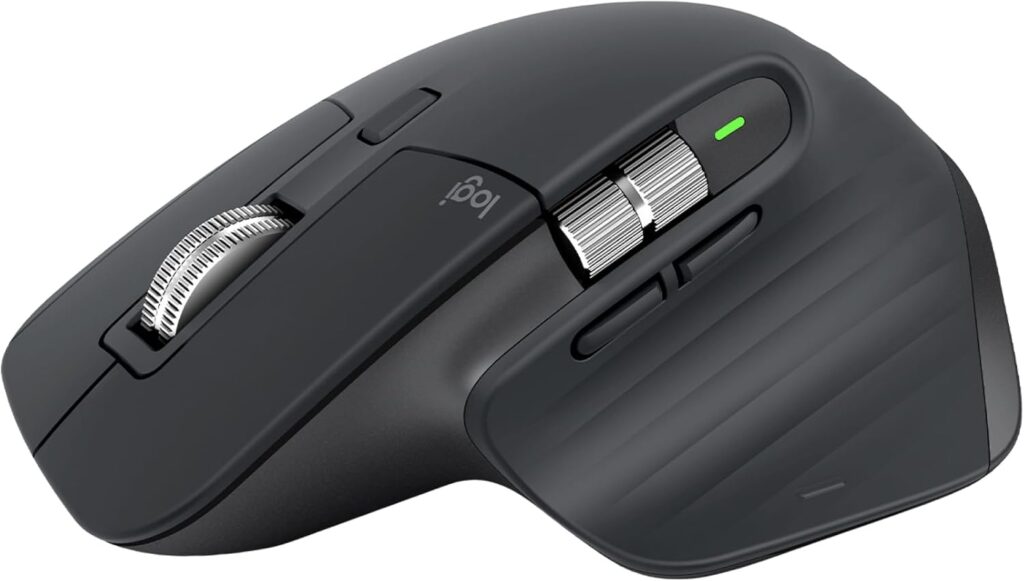
- Core Value: Premium ergonomic mouse built for power users with exceptional tracking and speed.
- Key Specs: 8,000 DPI Sensor, MagSpeed Electromagnetic Scrolling, Darkfield Tracking (works on glass).
- Pros: Ultra-fast, quiet scrolling. Excellent ergonomic shape for long workdays.
- Cons: High price tag. Not designed for small hands.
- 4.9 Star Review Snippet: “I got the MX Master 3S for handling massive Excel files. That horizontal scroll wheel? Life-changing. It’s the one gadget on my desk I can’t work without.”
2. Twelve South HiRise Pro for MacBook
This isn’t just a laptop stand—it’s a posture corrector and cable manager in one. It lifts your screen to eye level to prevent neck strain and includes a hidden shelf to store your dock or hard drive. Simple, smart, and seriously effective.
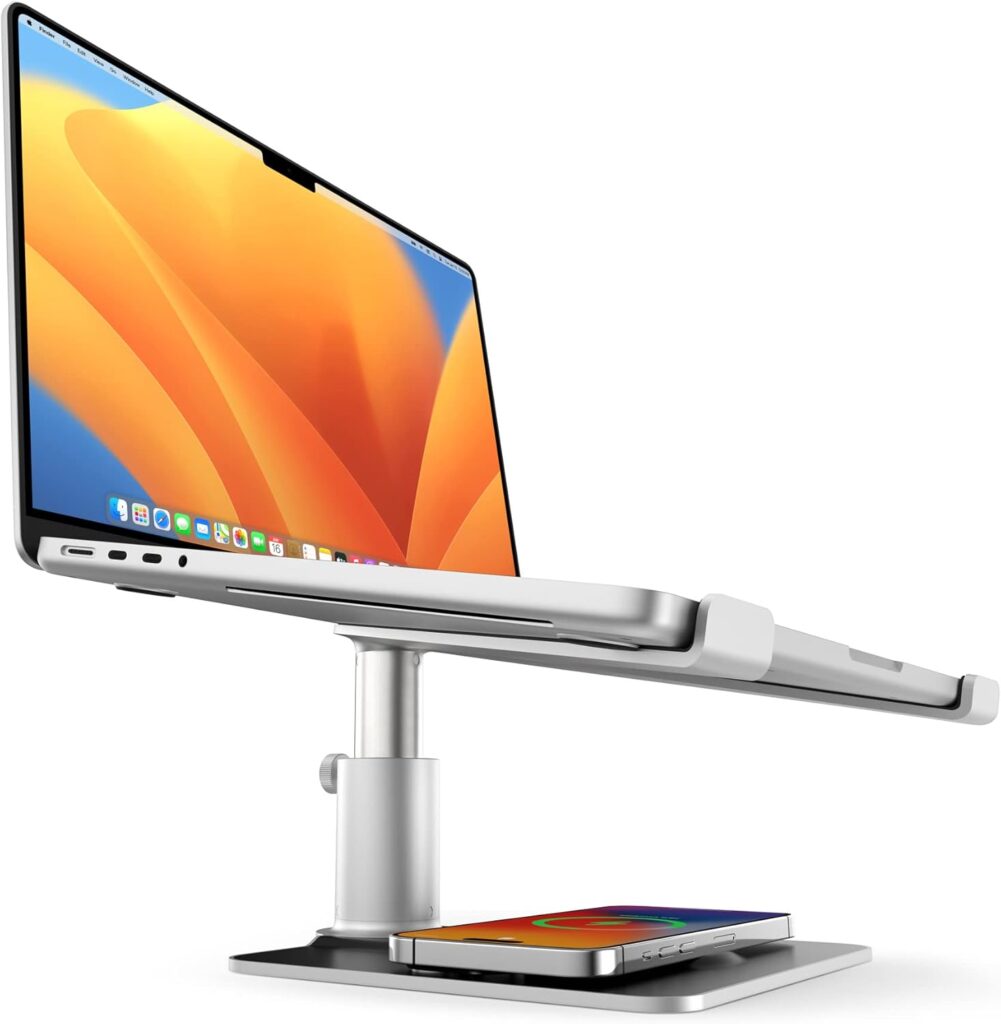
- Core Value: Height-adjustable desktop stand designed to improve ergonomics and declutter the workspace.
- Key Specs: Adjustable Height, Integrated Storage Shelf, All-Metal Construction.
- Pros: Dramatically improves posture. Very stable and robust build quality.
- Cons: Takes up more desk space than a simple riser.
- 4.8 Star Review Snippet: “My neck pain disappeared after using the HiRise Pro. Tucking my hub underneath keeps everything tidy. My desk has never looked—or felt—better.”
3. Best Productivity Gadgets: reMarkable 2 Digital Paper Tablet
If you think better with a pen, this is your tool. It mimics the feel of real paper while keeping your notes organized, searchable, and distraction-free. Ideal for deep thinking, sketching, or reviewing PDFs.
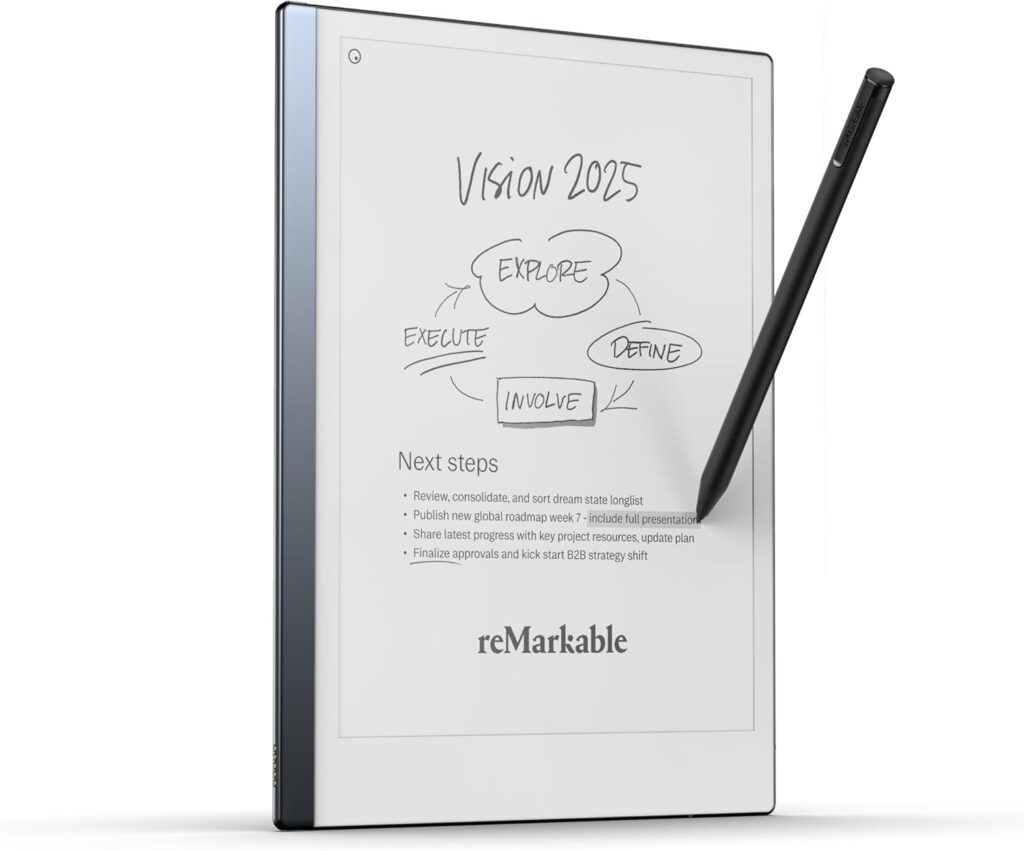
- Core Value: Dedicated digital writing tablet that mimics the feel of pen on paper for distraction-free notetaking.
- Key Specs: E Ink Display, Low-Latency Writing, Cloud Syncing, Ultra-Thin Design.
- Pros: Truly distraction-free environment. Fantastic battery life (weeks).
- Cons: The core functionality (writing) is excellent, but its software ecosystem is limited compared to an iPad.
- 4.7 Star Review Snippet: “I take all my meeting notes on the reMarkable 2. It helps me focus, and I never lose an idea. Highly recommend for anyone who does their best thinking offline.”
4. Corsair K100 RGB Optical-Mechanical Keyboard
Built for gamers but perfect for pros, the K100’s optical-mechanical keys are incredibly fast and responsive. With dedicated macro keys and a smooth control wheel, it helps coders and writers work faster and with fewer errors.
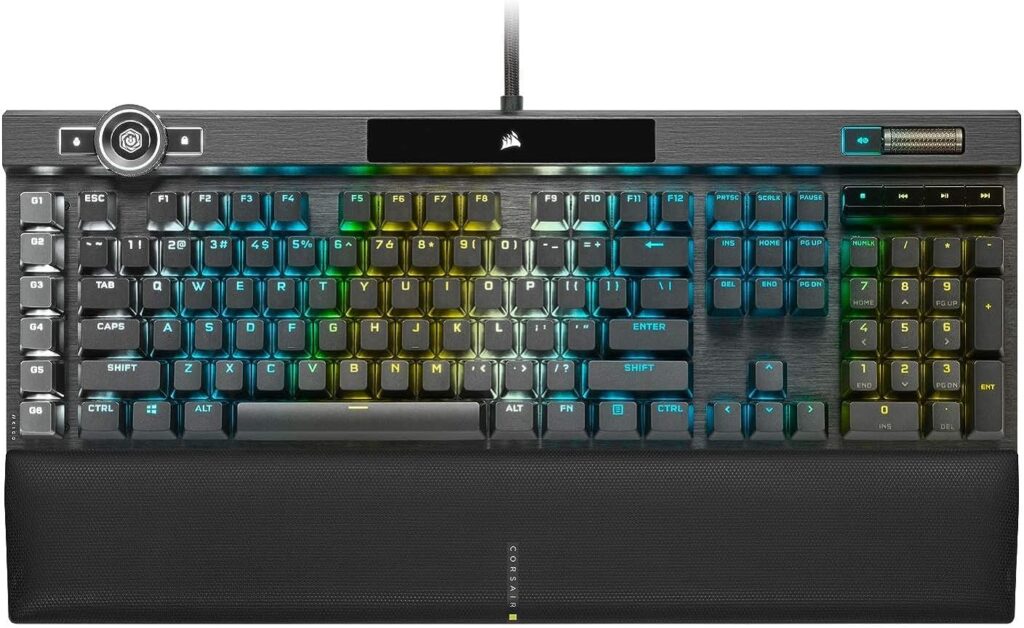
- Core Value: Ultra-fast mechanical keyboard with powerful macro keys and media controls.
- Key Specs: CORSAIR OPX RGB Optical-Mechanical Switches, AXON Hyper-Processing Technology, Multi-Function iCUE Control Wheel.
- Pros: Extremely fast and satisfying typing experience. Great customizability for macros.
- Cons: Can be very loud (depending on switch type). Requires a large desk space.
- 4.9 Star Review Snippet: “As a programmer, the K100’s speed and tactile feedback are unreal. My typing is faster and more accurate, even during marathon sessions.”
5. Best Productivity Gadgets: Anker 737 Power Bank
Dead battery = dead workflow. This power bank charges a MacBook Pro at full speed and can power multiple devices at once. It’s your go-anywhere power insurance policy.
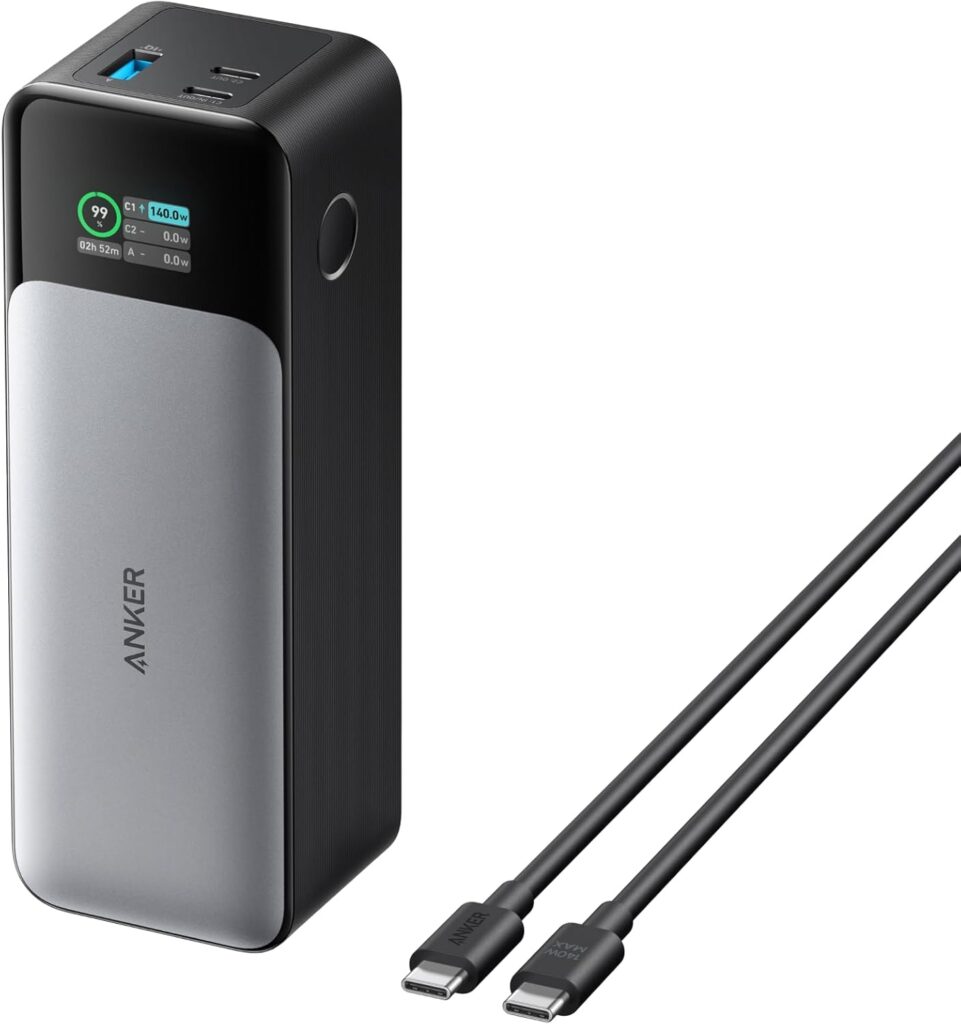
- Core Value: High-capacity, high-wattage power bank capable of charging laptops and multiple devices rapidly.
- Key Specs: 24,000mAh Capacity, 140W Max Output, USB-C Power Delivery 3.1.
- Pros: Can fully charge most laptops. Digital display shows charging speed and remaining power.
- Cons: Heavy and bulky compared to smaller banks. Expensive.
- 4.8 Star Review Snippet: “The Anker 737 powers my laptop and phone through a full day of off-desk work. I never leave without it.”
6. LG Gram +view Portable Monitor
More screen space means less tab-switching. This lightweight 16-inch portable monitor plugs in with one USB-C cable, giving you extra real estate for research, coding, or side-by-side editing—wherever you are.
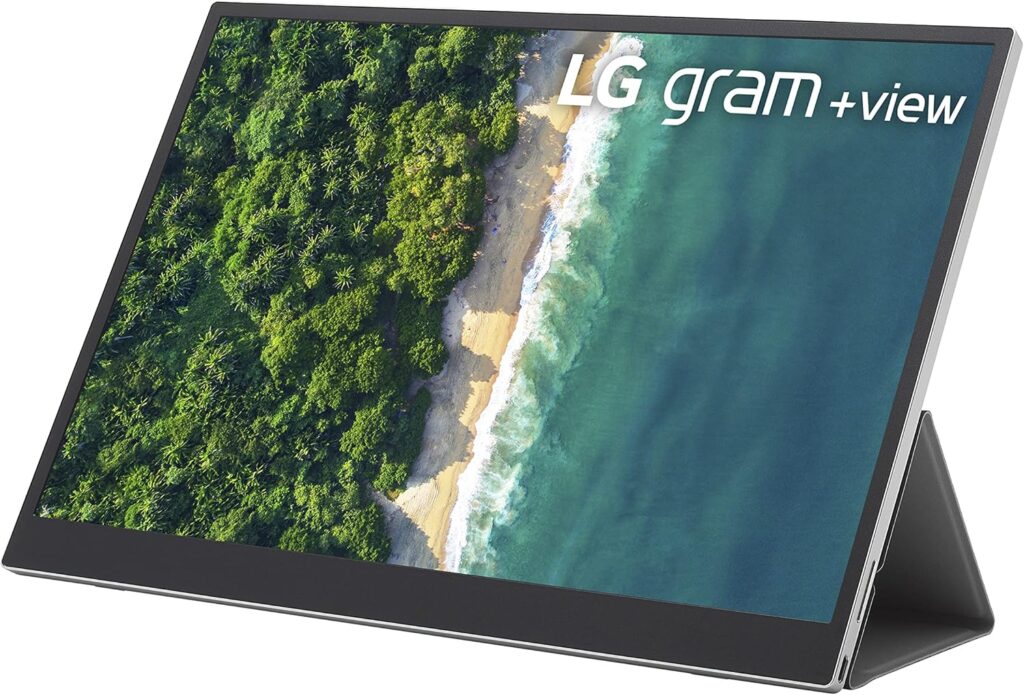
- Core Value: Ultra-lightweight and thin portable monitor that extends screen real estate for mobile computing.
- Key Specs: 16-Inch IPS Display, 16:10 Aspect Ratio, USB-C Connectivity, Slim Design.
- Pros: Extremely light and easy to carry. Excellent picture quality for a portable display.
- Cons: No built-in battery; draws power from the connected laptop.
- 4.7 Star Review Snippet: “The LG Gram +view lets me edit documents side-by-side, even at a coffee shop. It’s genuinely portable and seriously useful.”
7. Bose QuietComfort Ultra Headphones
Distractions disappear with the QC Ultras. Their best-in-class noise cancellation creates a personal quiet zone, making deep work possible anywhere—open offices, loud homes, or cross-country flights.
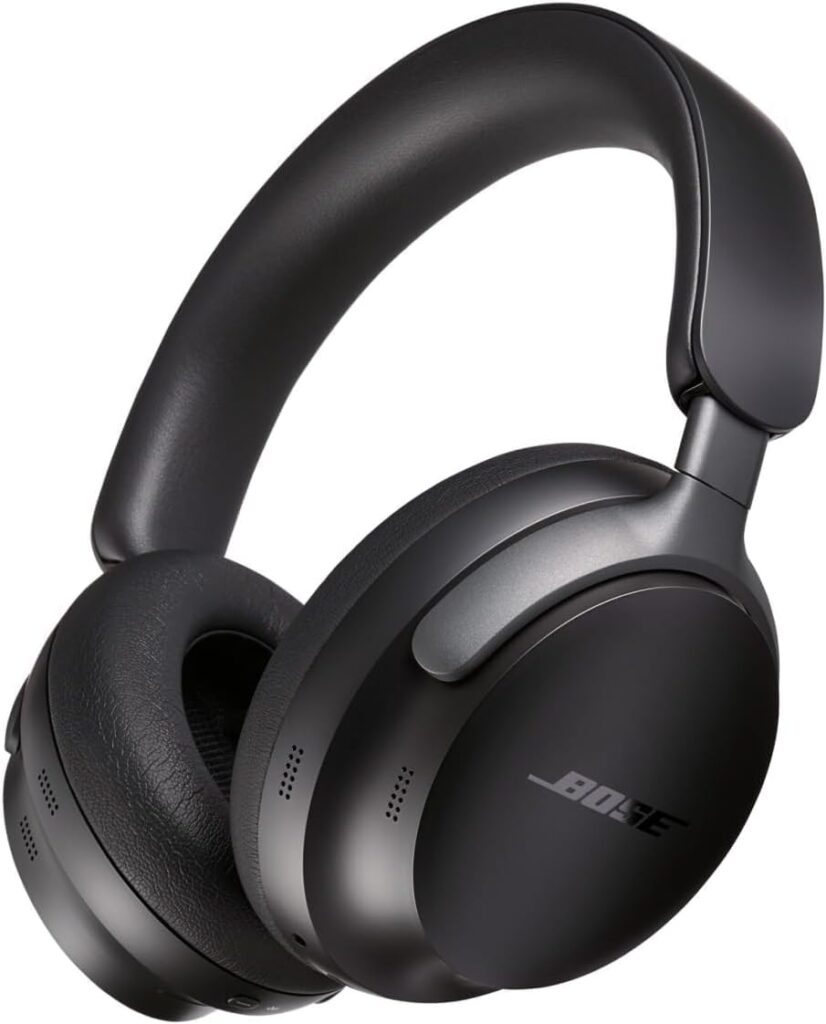
- Core Value: Premium noise-canceling headphones with spatial audio and world-class comfort.
- Key Specs: Quiet and Aware Modes, Immersive Audio, Up to 24 Hours Battery.
- Pros: Unmatched noise cancellation. Very comfortable for all-day wear.
- Cons: Expensive. The spatial audio feature is hit-or-miss for productivity uses.
- 4.9 Star Review Snippet: “I use the Bose QC Ultra every day. I work in an open-plan office, and these let me block out all the noise and concentrate for hours. The investment pays for itself quickly.”
8. Best Productivity Gadgets: Google Nest Hub Max
Keep non-essential tasks off your main screen. Use the Hub Max to check your calendar, control smart devices, set timers, or video call—all without opening another tab.
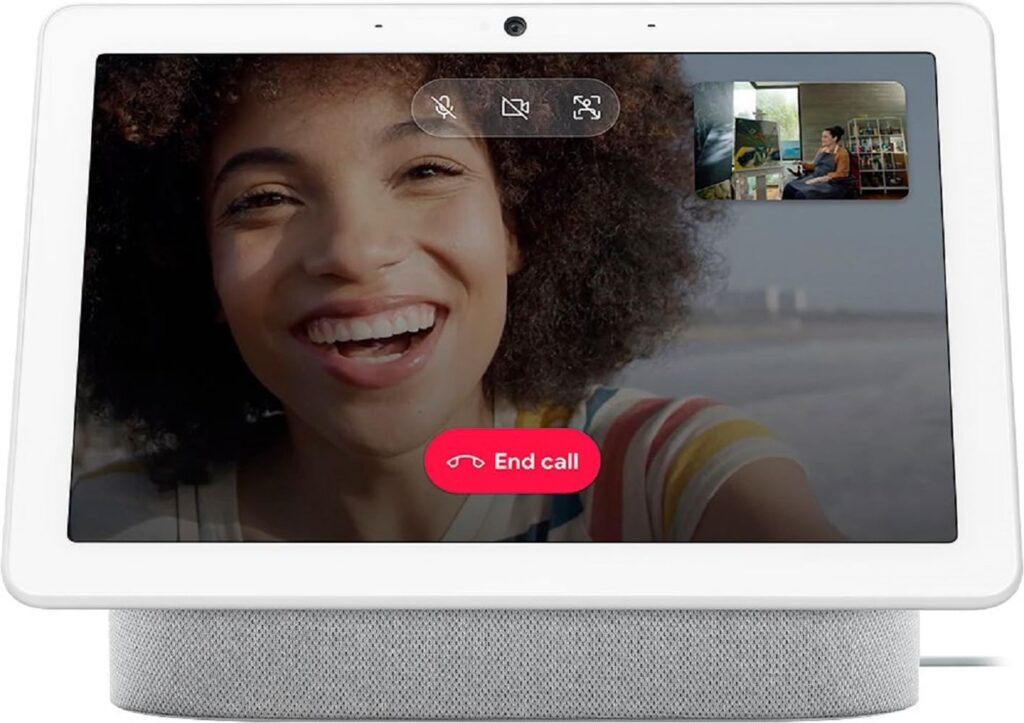
- Core Value: Smart display for hands-free management of calendars, calls, and smart home routines.
- Key Specs: 10-Inch Touchscreen, Google Assistant Built-in, Facial Recognition, High-Quality Speaker.
- Pros: Excellent integration with Google Calendar and other productivity services. Good speaker quality for conference calls.
- Cons: Requires a Google ecosystem commitment. Video quality isn’t excellent.
- 4.6 Star Review Snippet: “I keep the Nest Hub Max in the kitchen. It helps me follow recipes and manage my schedule while I cook. Surprisingly useful.”
9. Kensington Expert Mouse Wireless Trackball
If a traditional mouse causes strain, try a trackball. This one reduces hand movement, helping prevent wrist pain while offering precise control. A smart pick for long-term comfort.
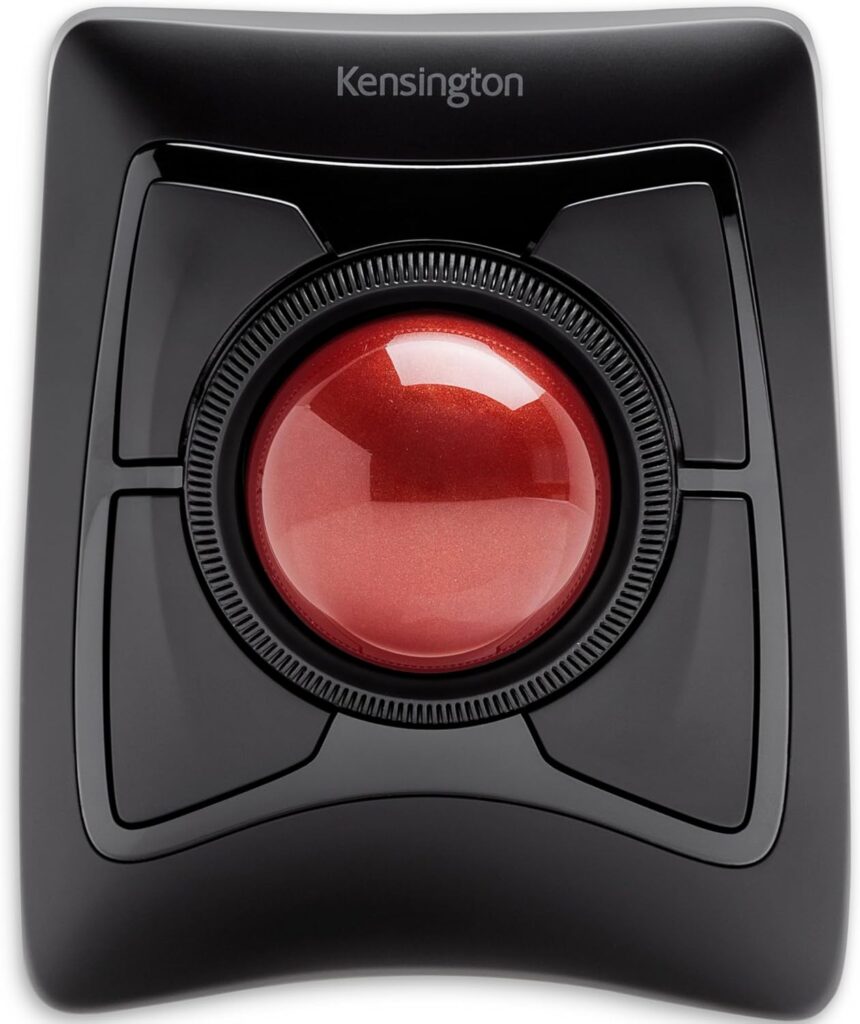
- Core Value: Trackball mouse designed for superior ergonomic comfort and precision control.
- Key Specs: Four Programmable Buttons, Detachable Wrist Rest, Wireless 2.4GHz and Bluetooth Options.
- Pros: Eliminates the need to move your arm, preventing wrist and shoulder fatigue. Highly customizable software.
- Cons: Has a steep learning curve if you are switching from a traditional mouse.
- 4.7 Star Review Snippet: “After years of wrist pain, this trackball saved me. Took two days to adjust—now I’m faster and pain-free.”
10. Rocketbook Core Reusable Notebook
Write by hand, scan with the app, and your notes go straight to the cloud. Then wipe the page clean and start again. It’s the perfect bridge between analog thinking and digital organization.
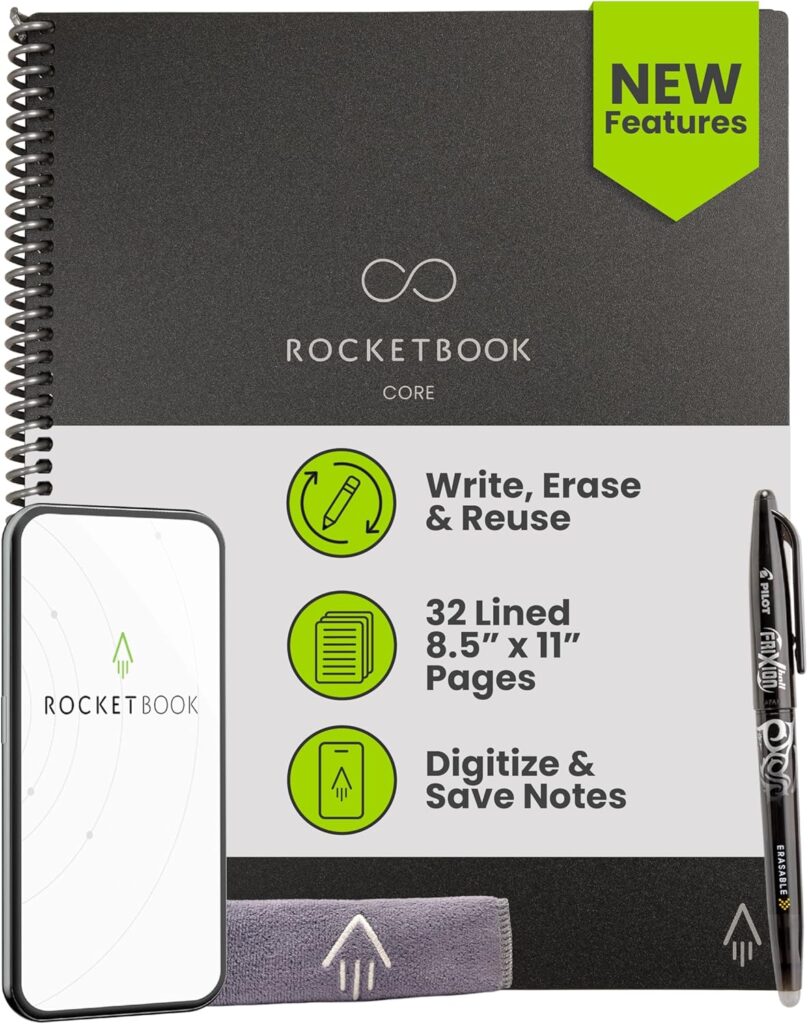
- Core Value: Reusable smart notebook that digitizes handwritten notes and sends them to cloud services.
- Key Specs: Erasable Pages, Microfiber Cloth, Multiple Cloud Integrations.
- Pros: Infinitely reusable and eco-friendly. Excellent app integration for organization.
- Cons: Only works with the proprietary Pilot FriXion pen.
- 4.5 Star Review Snippet: “I use the Rocketbook for quick notes in meetings. Scan to OneNote, wipe it clean—no more wasting paper.”
Ready to Build Your Ideal Work Setup?
The best productivity tools don’t just add features—they remove friction. Pairing something like the Logitech MX Master 3S for physical ease with the Bose QC Ultra for mental clarity can totally transform your workday. That feeling of finally hitting your flow? It’s priceless.
If your current gear is holding you back, it might be time to invest in tools that support how you really work. Want to see today’s best prices and dig deeper into any of these picks? We’ve got guides and updated deals waiting for you.
🛒 Click Here to See Current Amazon Deals on All 10 Productivity Gadgets
Read our “🎦 The 10 Best Home Audio & Visual Entertainment Upgrades for 2025” on BuyTip.co
See our “The 10 Best High-Value Portable Tech Gadgets for 2025” Guide on BuyTip.co
See our “The 10 Smart Kitchen Appliances Revolutionizing Your Cooking in 2025” Article on BuyTip.co